

Want to Pay Later?
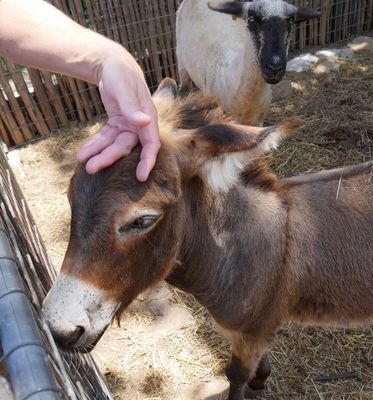
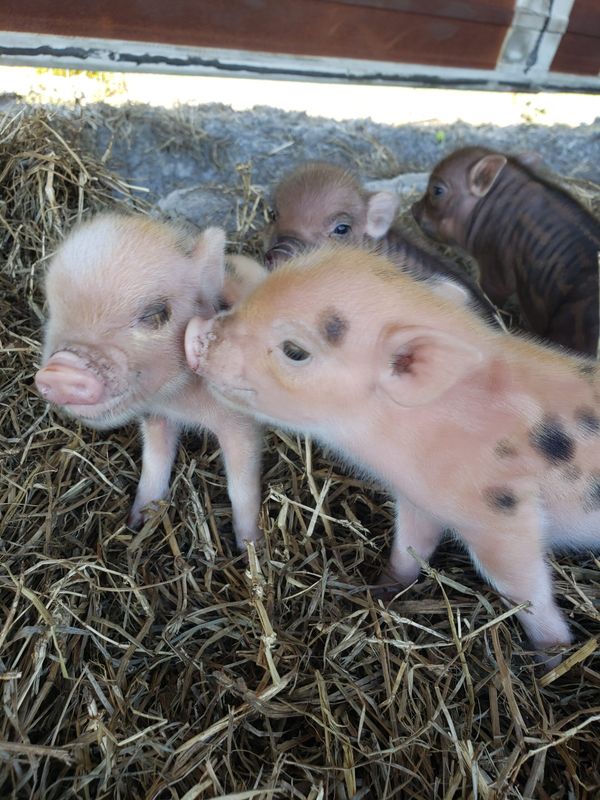
Yes, you can split your payment for your new piglet or donkey!
You MUST check out with Apple Pay or Google Pay Paying with a regular card? It cannot be split.
Step 1: Turn on "Pay Later" in your phone's wallet first
iPhone (Apple Pay)
- Open your Wallet app
- Tap the + at the top
- Tap Pay Later Options
- Pick one (like Klarna or Affirm) and follow the steps
Android (Google Pay)
When you tap the Google Pay button at checkout, look for the Pay Later option.
Step 2: Check out
- Add your piglet, donkey, or experience to your cart
- Tap the Apple Pay or Google Pay button
- Choose Pay Later
- That's it!
Don't see Pay Later?
It probably isn't set up in your wallet yet, or your phone or account isn't eligible. Apple, Google and their partners decide who gets approved, not us.
Shop



Featured Products







On Sale

Male Mini Pig (nuetered & vaccinated)
Male Mini Pig (nuetered & vaccinated)
was
$995.00
Save 22%
$775.00